
Best Social Media Management Tools 2026 (Free & Paid)
Looking for the best way to schedule posts, track analytics, and keep your DMs under control? This BrainRotLabs.fun guide breaks down the top free and low-cost social media management tools for creators, brands, and agencies – with real pricing, use cases, and decision maps.
Quick shortlist: best free & low-cost social media tools
Below is the BrainRotLabs.fun shortlist based on pricing, feature depth, and how friendly each tool is for non-technical teams. Use it as a fast “who should I even test?” filter.
| # | Tool | Best For | Free / Trial | Entry price (approx.) |
|---|---|---|---|---|
| 1 | Social Champ | AI-driven social media automation | Free plan | From ~$4/month (annual) |
| 2 | SocialBee | AI-assisted content creation | 14-day free trial | From ~$29/user/month |
| 3 | Taggbox | Embedding social media & UGC feeds | 14-day free trial | From ~$24/month (annual) |
| 4 | Sendible | Client content approvals & agency workflows | Free trial | From ~$25/user/month |
| 5 | Planable | Visual content collaboration | Free plan (first 50 posts) | From ~$39/workspace/month |
| 6 | Iconosquare | Advanced analytics & reporting | 14-day free trial | From ~€49/month |
| 7 | Buffer | Simple multi-channel scheduling | Free plan | From ~$5/channel/month |
| 8 | Keyhole | Real-time hashtag & campaign tracking | 7-day free trial | From ~$79/user/month |
| 9 | Vista Social | Affordable all-in-one management | Free tier + trial | From ~\$39–79/month |
| 10 | Metricool | Comprehensive analytics & publishing | Free forever plan | Paid from ~$18/month |
Tip: test 2–3 tools in parallel with the same content calendar for one month.
Before you pick a tool: fix your strategy first
Software solves execution. Strategy solves results. If you want your social content to actually move revenue, not just impressions, start with education and a clean system for how you publish.
Bitcoin: The Sovereign Protocol (Book)
A retail-ready breakdown of Bitcoin and modern money — written for real people, not coders. Use it as your “anchor content” when planning long-form threads, carousels, and education-first campaigns.
View the book interface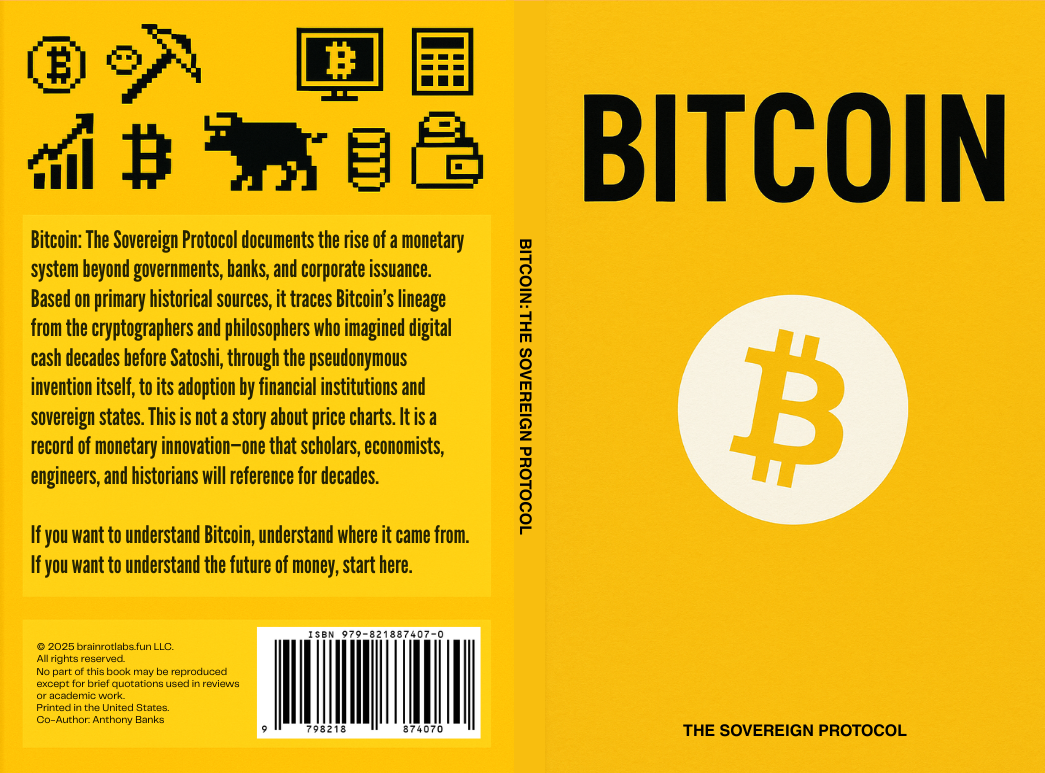
Crypto Academy+ (App)
A live onboarding app for crypto and web3: wallets, networks, verification habits, and scam-avoidance. Perfect for teams that want to blend social content with real education.
View on App Store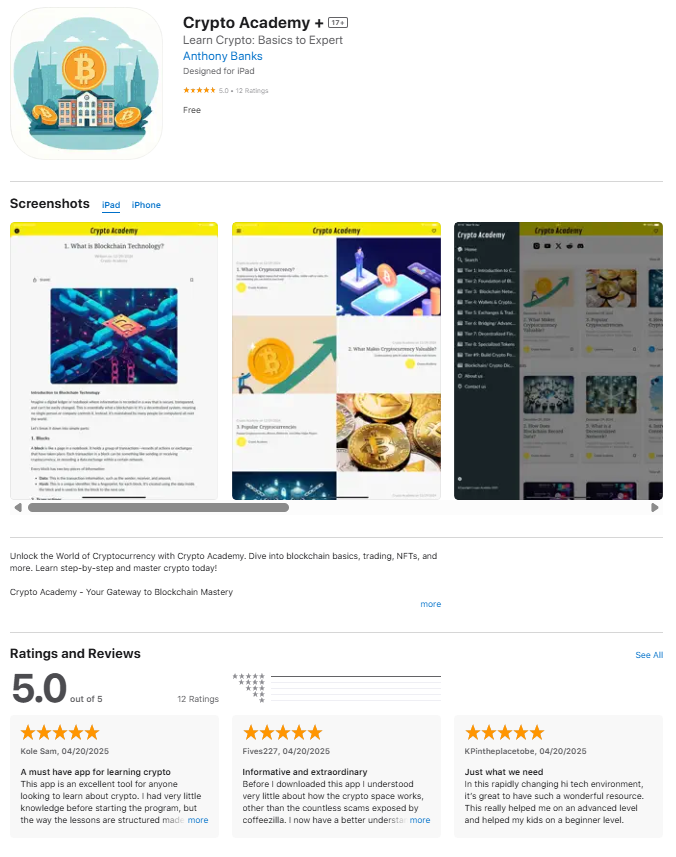
How to choose the right tool for your team
Most people over-buy software and under-use it. Use the filters below to quickly zero in on which tools are worth your time based on how you operate today.
Each tool card is tagged, so the filter above will hide everything that doesn’t match.
Tool-by-tool breakdown (features, pricing, who it fits)
1. Social Champ – AI-Driven Social Media Automation
Great if you want a budget-friendly scheduler with AI help and a proper unified inbox.Social Champ brings scheduling, a drag-and-drop calendar, analytics, and a cross-platform inbox into one dashboard. It’s especially attractive for small teams because the free plan plus low starting price give you real automation without enterprise-level costs.
You can queue content across platforms, use AI to generate or refine copy, and track performance at a glance. The social inbox keeps comments and messages together so you don’t lose replies scattered across multiple apps.
2. SocialBee – AI-Assisted Content Creation & Scheduling
Ideal when you’re tired of staring at a blank caption box and need AI help that stays on-brand.SocialBee layers AI content generation directly into your social workflow: generate ideas, repurpose content, and schedule posts from one place. Teams get collaboration features, approval flows, and analytics to see what’s working.
The sweet spot: if you’re creating lots of educational or evergreen posts and want to recycle, remix, and schedule without jumping between five tools.
3. Taggbox – Best for Embedding Social Feeds & UGC
Turn your community’s content into live social walls on your site, events, and screens.Taggbox is built for when your social content should live somewhere more permanent than a feed. Aggregate posts, reviews, and user-generated content, then display them as curated embeds or live “social walls” on websites, events, or digital signage.
It’s a strong bolt-on when you already use a scheduler but want deeper UGC, social proof, and visual experiences without custom coding.
4. Sendible – Best for Client Content Approval & Agency Workflows
Built for agencies that need approvals, smart inboxes, and repeatable client reporting.Sendible combines scheduling, a “Smart Compose” experience, a Priority Inbox for engagement, and reporting designed for client campaigns. Bulk imports and content libraries make it easier to run recurring themes or evergreen series for multiple brands.
If you’re running multiple clients or brands and need approvals plus clean reporting, Sendible fits better than lightweight solo-creator tools.
5. Planable – Best for Visual Content Collaboration
For teams that think in calendars, grids, and previews – not spreadsheets.Planable gives you a collaborative content hub with multiple views (feed, calendar, grid, list) so your team, designer, and client all see the same story. Feedback and approvals happen directly on posts, reducing Slack/Email chaos.
The free plan lets you create up to 50 posts with no time limit – good enough for a real test before upgrading.
6. Iconosquare – Best for Advanced Social Media Reporting
When you need serious analytics, competitor tracking, and exportable reports.Iconosquare is built around analytics and reporting: audience behavior, post performance, optimal times, and multi-profile dashboards. It also offers scheduling and a social inbox, but the real value is in how it lets you prove ROI and track your competitors.
Plans scale from smaller teams to large brands, plus there’s a limited free mode after trial if you don’t upgrade.
7. Buffer – Best Simple Scheduler with a Solid Free Plan
The classic “just schedule it” tool, now with a generous free tier.Buffer focuses on clean scheduling, basic analytics, and link-in-bio tools. The interface stays minimal, which makes it perfect if social media isn’t your full-time job but you still want to stay consistent.
The free plan supports multiple channels with a limited queue, while paid plans scale up with more features and channels as you grow.
8. Keyhole – Best for Real-Time Hashtag & Campaign Tracking
For teams that live on campaigns, hashtags, and social listening.Keyhole is designed to monitor hashtags, campaigns, and brand mentions in real time — then show you reach, engagement, and influencer impact. It’s especially useful for larger campaigns, events, and PR teams that need media intelligence alongside social metrics.
Expect more depth in listening and campaign reporting than lighter scheduling-only tools.
9. Vista Social – Affordable All-in-One for Creators & Agencies
A modern alternative to Buffer/Later with strong pricing and broad channel support.Vista Social covers publishing, scheduling, engagement inbox, analytics, listening, and even AI-assisted workflows. It’s built with marketers in mind, including agencies that need to manage multiple brands and even white-label the platform.
You’ll find support for “non-traditional” channels like Reddit and TikTok alongside the usual suspects, plus reporting that scales as you add clients.
10. Metricool – Best Free Forever Plan for Analytics + Publishing
A powerful combo of analytics and publishing, with a genuinely useful free tier.Metricool gives you analytics, scheduling, ad tracking, competitive benchmarking, and reporting, all in one interface. The free plan lets you connect one brand and one profile per network, making it ideal for single-brand creators or businesses.
Paid plans expand the number of brands, unlock unlimited publishing, deeper reports, and more competitor analysis – while still staying priced well below many “enterprise” tools.
Which tool should you start with? (Quick decision map)
Use this as a shortcut. Pick the row that sounds most like you and test that tool first.
Solo creator / small brand
- Just need simple scheduling: start with Buffer or Metricool.
- Want AI help with captions: test Social Champ or SocialBee.
Agency / multi-client
- Client approvals & reporting: try Sendible or Planable.
- All-in-one with strong pricing: look at Vista Social.
Analytics-obsessed
- Deep reports & competitors: test Iconosquare or Metricool.
- Campaigns & hashtags: add Keyhole for listening and hashtag analytics.
Events / UGC-heavy brands
- Need live social walls: Taggbox.
- Pair it with your main scheduler (Buffer, Metricool, Social Champ, etc.).
FAQ: social media management tools in 2026
A social media management tool is software that centralizes your publishing, scheduling, analytics, and sometimes listening and inbox management. Instead of logging into every platform separately, you plan content on one calendar, schedule posts, reply to comments/DMs, and review performance from a single dashboard.
Most tools in this guide support at least: post scheduling, a basic calendar, and engagement metrics. Higher-end tools add AI content generation, team approvals, competitor analysis, reporting, and social listening.
If you’re solo or managing one brand, start with a free-forever plan:
- Buffer: simple scheduling and basic analytics for a small number of channels.
- Metricool: deeper analytics plus publishing for one brand, free forever.
- Social Champ / Vista Social: good if you want more automation and AI from day one.
As your needs grow (more brands, more channels, more reporting), upgrade to paid tiers or migrate into analytics-heavy tools like Iconosquare or Keyhole for campaign tracking.
Not always. Several tools here combine both:
- Metricool, Social Champ, Vista Social, Buffer: publishing + analytics in one place.
- Iconosquare, Keyhole: analytics-first tools that also offer scheduling or listening.
A common stack is: one “core” tool for everyday scheduling (Buffer / Social Champ / Metricool), plus one analytics or listening tool for deeper insights (Iconosquare / Keyhole) if you run larger campaigns or have to report to stakeholders.
For most teams, one or two tools is enough:
- 1 core scheduler / management platform.
- Optional: 1 analytics or UGC specialist (Iconosquare, Keyhole, Taggbox) if your campaigns justify it.
More tools only make sense if you have very different needs across brands (for example, a creator network + a large B2B SaaS brand + an events team).
Pricing, features, and free tiers are checked against official pricing pages, recent reviews, and up-to-date comparison guides. Always confirm final pricing on the vendor’s site before committing — especially if you’re signing an annual or multi-seat contract.
BrainRotLabs.fun treats this page as a living reference. As major changes roll out (new free plans, AI features, or better alternatives), this guide can be updated to keep pace with the tools creators and marketers actually use.
Contributors & sources
Curated and synthesized by BrainRotLabs.fun editorial systems and contributors, pulling from
official product pricing pages, user reviews, and 2025–2026 comparison reports on free social
media management tools.
Original shortlist inspiration: “20 Best Free Social Media Management Tools Reviewed in 2025” by The CMO, plus updated pricing and feature checks across each vendor’s official site.
About the Author