Solana Wallet Analyzer Tool
Scan public wallet activity. Build smarter airdrops.
Research whales. Reduce scam exposure.
Why Crypto Builders Need a Solana Wallet Analyzer
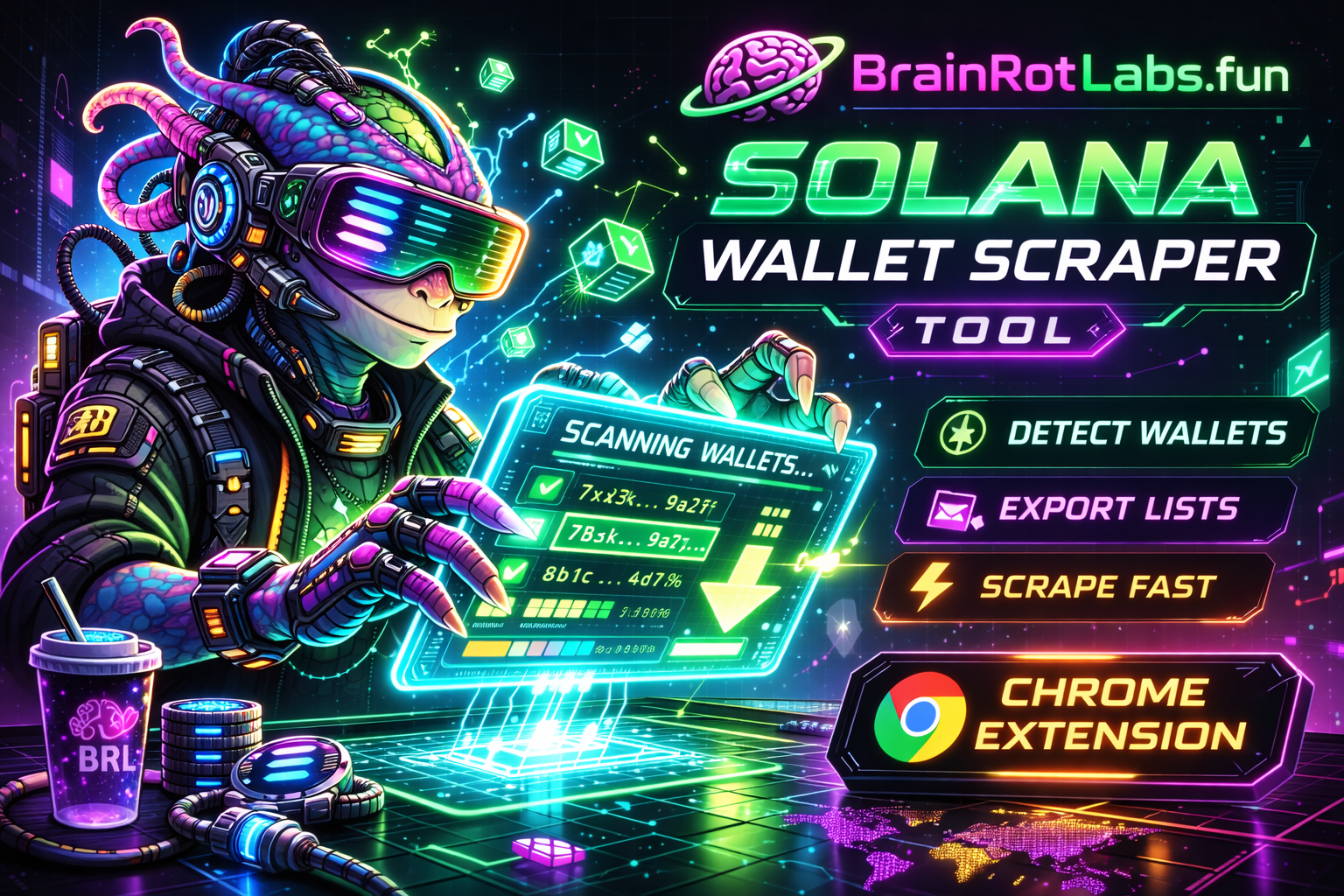
Launching a token, planning an airdrop, or building community takes clean data. The BrainRotLabs.fun Solana Wallet Analyzer Chrome Extension surfaces public on-chain wallet data directly in your browser — letting you build eligible wallet lists, segment your community, research high-activity wallets, and flag unusual patterns before they become a problem. Everything runs client-side, on public data, under your full control.
# scanning public wallet addresses...
→ detected: 47 wallets
→ de-duped: 44 unique
→ tags applied: OG=12, Trader=18, Whale=3
$ brl export --format csv
✓ airdrop_list_2025.csv ready
Airdrop Mode — Build Smart Wallet Lists
Token launches and airdrop campaigns require clean, verified wallet lists. Rather than manual copy-paste from spreadsheets, the BrainRotLabs analyzer detects public Solana wallet addresses on supported pages, de-duplicates entries, and exports a campaign-ready list — sorted and tagged by community segment.
- Detect public wallet addresses on supported pages automatically
- Build a clean export list in CSV or TXT format
- De-duplicate and filter address patterns in one click
- Add notes and tags for campaign segments (OG, contributor, whale, active trader, inactive)
- Export ready-to-upload lists for token distribution platforms
- Works alongside community allowlists, Collab.Land data, and Gleam exports
→ monitoring 14 wallets
! alert: 0x9kR moved 340 SOL
→ webhook → discord-bot ✓
Whale + Trader Research
Understanding market behavior starts with public, on-chain data. Identify wallets with large balances or high transaction activity to analyze community interest, liquidity flow, and token distribution patterns. This is legitimate research — the same kind financial analysts and community managers perform every day.
- Build watchlists from public wallet pages and explorer data
- Export to CSV for use in analytics tools (Dune, Flipside, custom dashboards)
- Monitor activity patterns: frequency, timing, transaction volume
- Create notification workflows — alerts when tracked wallets transfer funds
- Integrate with Telegram/Discord alert bots via exported wallet lists
- Identify community contributors, early adopters, and liquidity providers
# checking public indicators...
! new wallet — 3 days old
! micro-transfer burst: 80 tx/hr
⚠ pattern: drain-sequence detected
risk-score: HIGH — review manually
Scam Signals + Risk Checks
Not all wallets interacting with your project are legitimate. The analyzer surfaces common public risk indicators so you can review unusual patterns before distributing tokens, granting access, or engaging in transactions. Think of it as a first-pass filter — powered by on-chain data you already have access to.